Search every detectable game
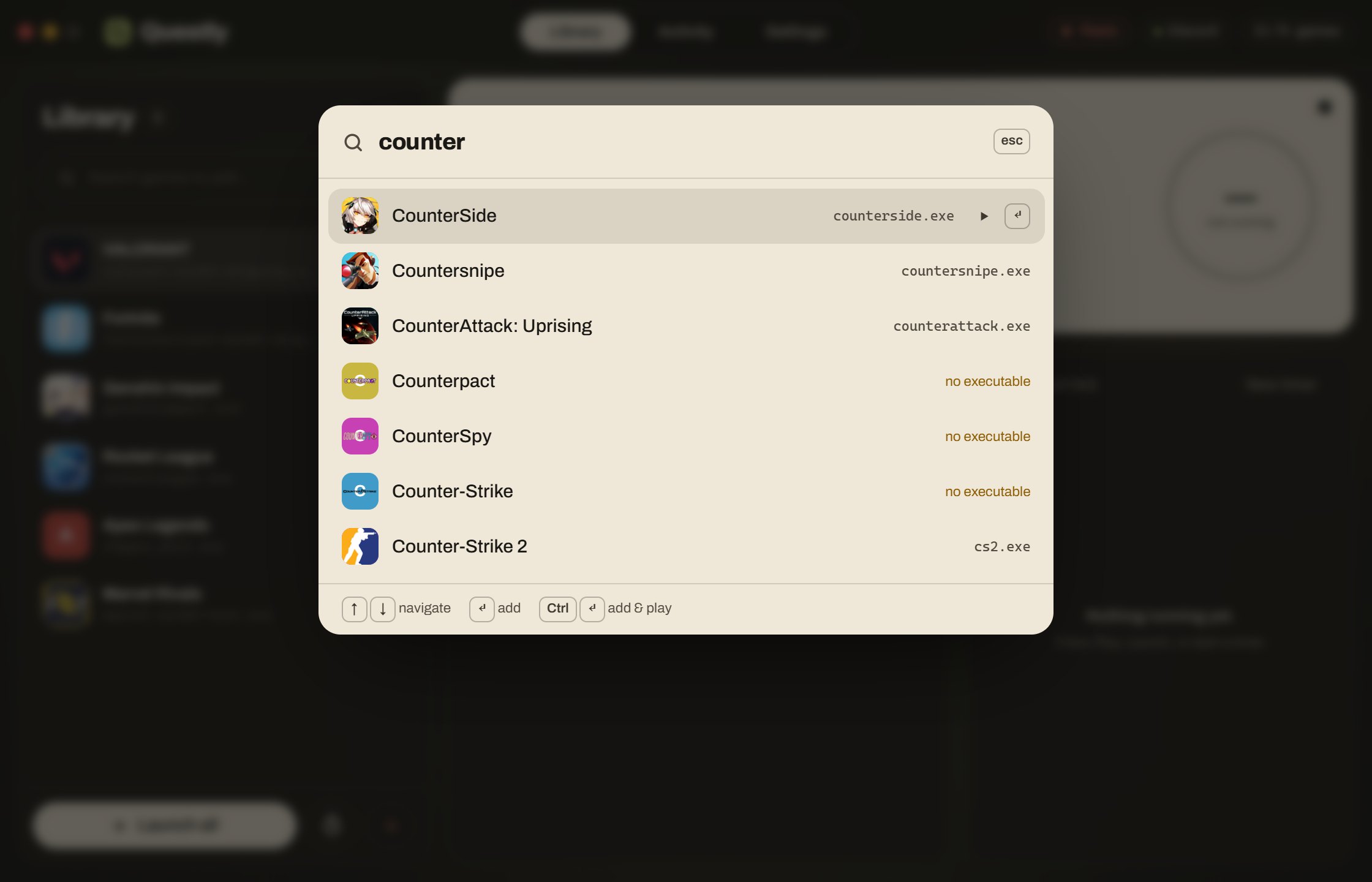
Spotlight search over Discord's whole list, with fuzzy matching that stays smooth while you type. Games you already have are hidden.
Questly makes Discord see a game running, so your quest timer ticks while you do anything else. Add the game, press Play, done. No game install, no Discord login.
Open source (MIT) · Windows 10 & 11 · 20.1 MB · installs without admin rights
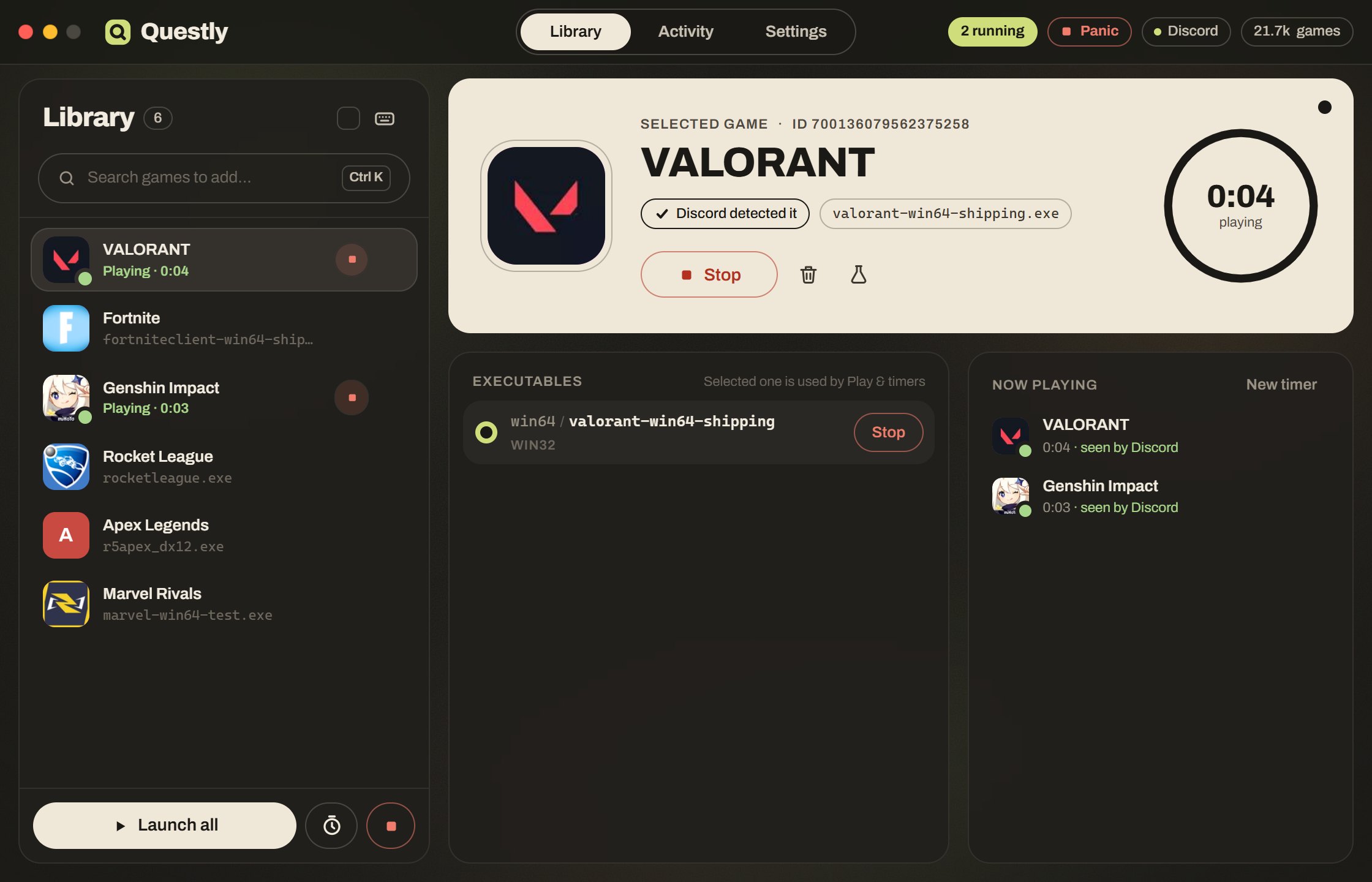
Discord knows you're playing by spotting a game's program running on your PC. Questly starts a tiny stand-in with the same file name, so Discord spots it the same way.
Press Ctrl+K and search Discord's list of over 20,000 detectable games for the one your quest asks for.
Questly starts the stand-in program. It doesn't need the real game, doesn't use your Discord login, and doesn't change anything inside Discord.
Your quest starts counting. Stop whenever you like, or let a timer stop it for you.

Works for quests that ask you to play a game for a while on desktop. Quests that need streaming, a console or in-game achievements aren't covered.
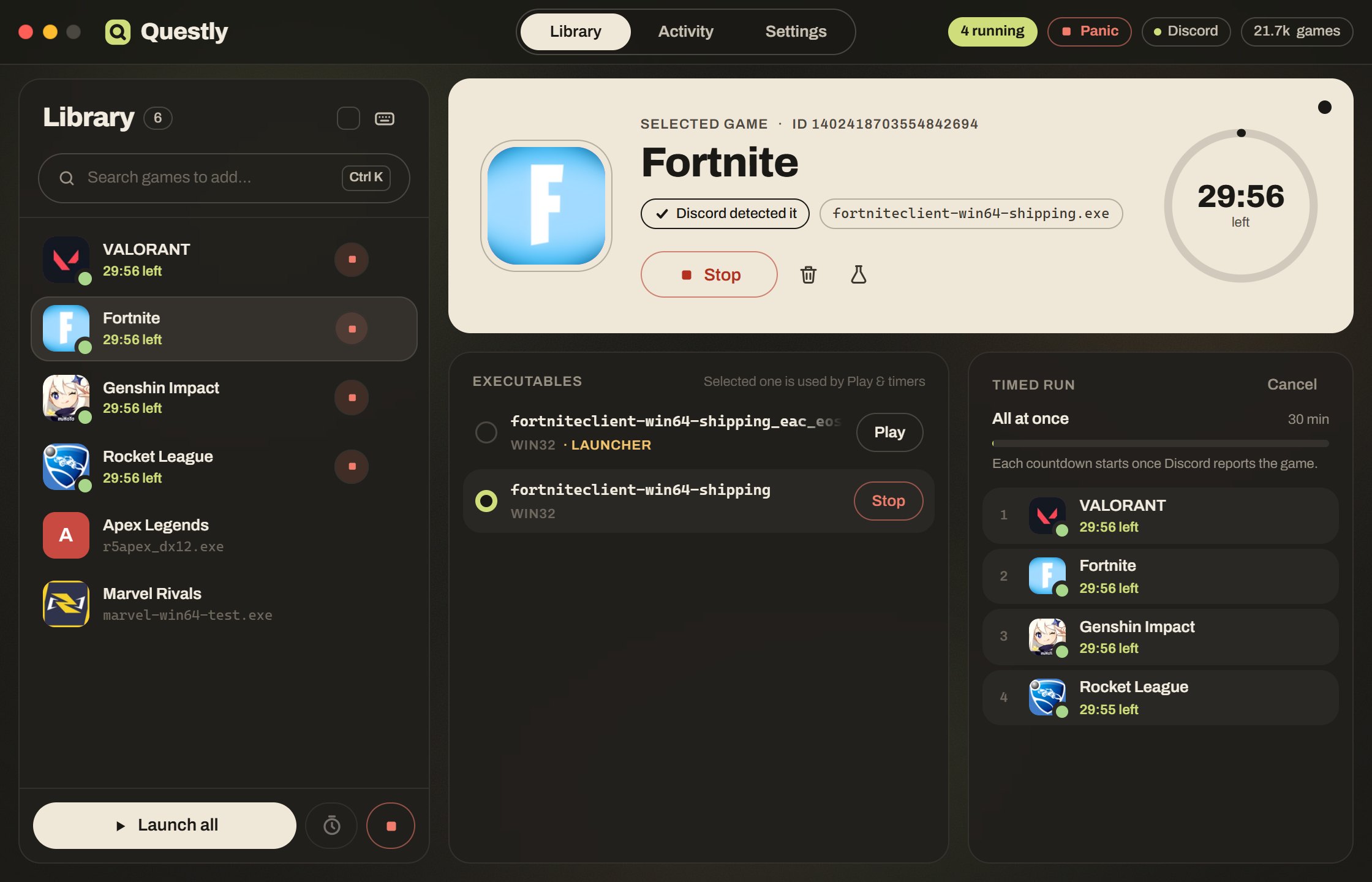
Discord can take a minute to notice a game. Questly waits for it: each countdown only starts once Discord reports the game, so a 15-minute timer means 15 minutes of quest progress. Run everything at once, or one after another (up to 10 at a time) in a fixed or random order, and it all stops by itself.
Spotlight search over Discord's whole list, with fuzzy matching that stays smooth while you type. Games you already have are hidden.
Play one game, check a few, or Launch all. Every action has a keyboard shortcut; press ? in the app to see them.
Each game gets a small square window in Questly's style that you can drag anywhere. Keep it on screen, park it off-screen or hide it. It never steals focus.
During timed runs it watches CPU, memory and stutter. If your PC struggles, it closes a few games for a while and brings them back with their time left.
One button or Ctrl+Shift+X stops every game, the timer and anything running in the background, then tells you exactly what it stopped.
While you're away, it opens a few games from your library like you would, within the hours, days and limits you set, and stops the moment you're back.
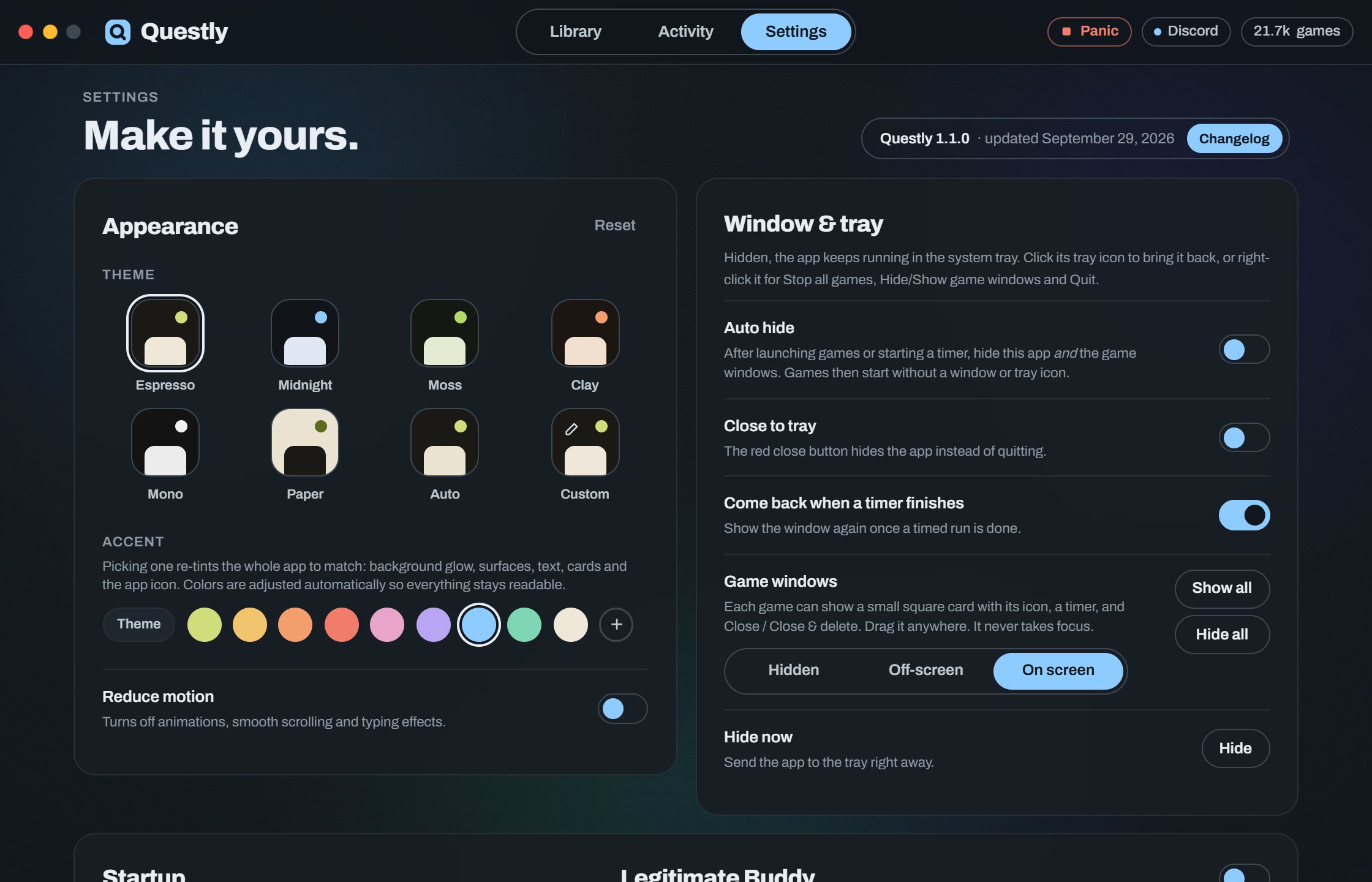
Six themes, any accent color, or a fully custom theme with a color for every part. Even the taskbar icon follows your accent.
Your games live in a plain library.json you can edit by hand, export, or swap with friends. Import merges with yours or replaces it.
The same Questly.exe installs, launches and uninstalls. Everything is per-user, so no admin rights, and removing it leaves nothing behind.
The real Questly interface runs in your browser on a pretend PC. Add games, press Play, start a timed run, switch on heavy CPU load to watch Performance Guard step in, or step away and let Buddy play. Nothing talks to Discord.
Open the live demoWorks best on a computer. Liked it? Download it.
Making Discord believe you're playing a game you aren't goes against Discord's Terms of Service. Discord can take quest rewards back, warn you, or suspend or ban your account. Questly isn't made by or affiliated with Discord, and nobody behind Questly is responsible for what happens to your account. The app asks you to accept this before you can use it.
What Questly never does: ask for your Discord login, read your token or saved sign-in, or change Discord's files. It's open source, so you can check.
One file. Open it, click Install, accept the notice, and you're set. It adds a Start menu entry and a desktop shortcut, and appears in Apps & features for a clean uninstall.
Windows may warn you ("Windows protected your PC") because Questly isn't code-signed yet. Click More info, then Run anyway. If you'd rather check first, the source is on GitHub and you can build it yourself.
%LOCALAPPDATA%\Programs\Questly43186de89e2bc32b15d6cd34336cf895e19884ac045c7cc67dbb9fb7d63b2aab%APPDATA%\Questly\library.json, the stand-in programs in %LOCALAPPDATA%\Questly, and your settings inside the app. See the Privacy Policy for everything it reads and connects to.